01- troubeshoot trueforge
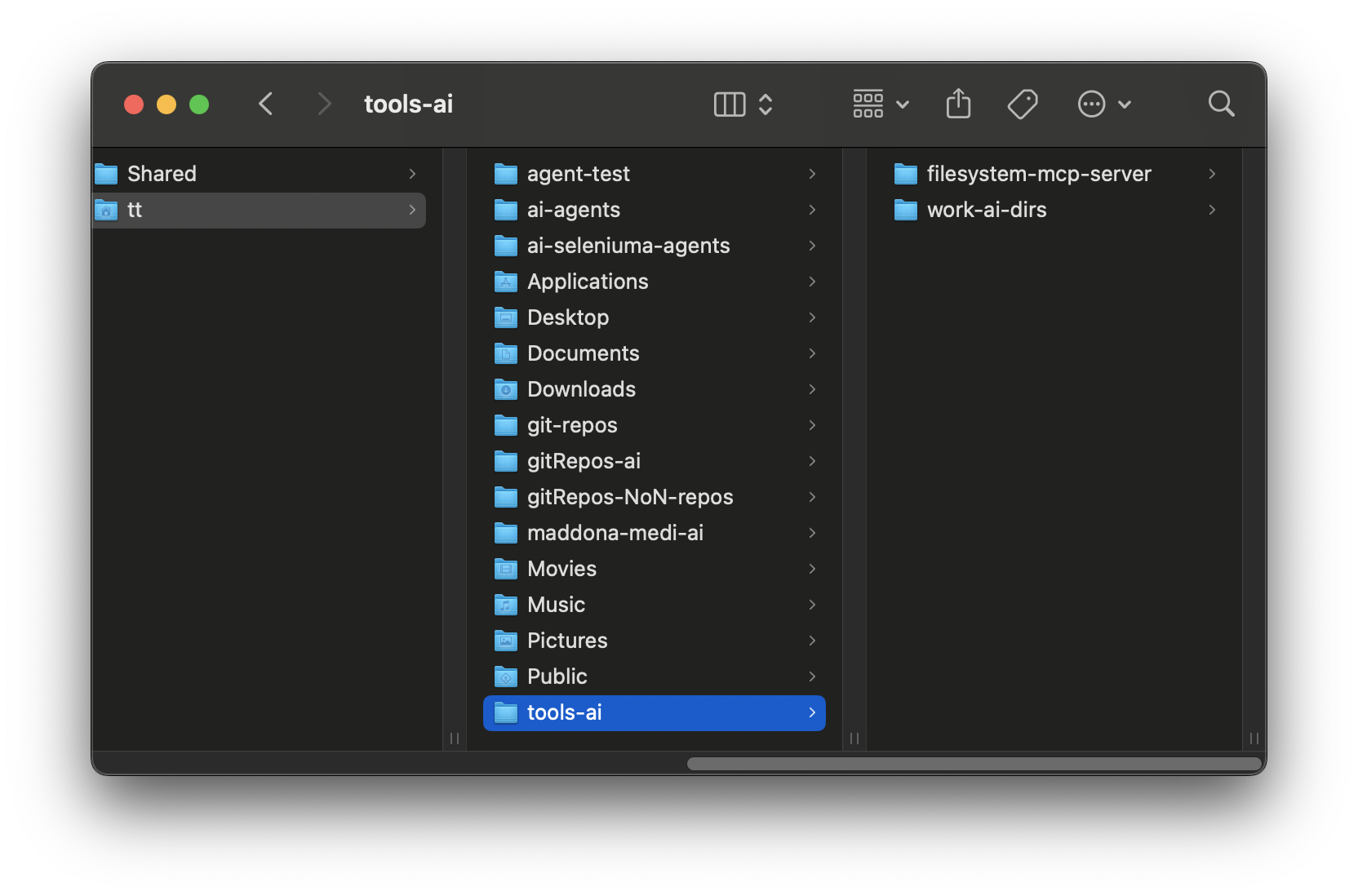
This was a pain to set up, These are the commands to get it started after downloading everything
Change to directory, you want ai to have access to
cd ~/tools-ai
download MCP Server, from njblake here https://github.com/njbrake/filesystem-mcp-server
git clone https://github.com/njbrake/filesystem-mcp-server.git
Start trueforge with this command
npx @truefoundry/trueforge@latest
I made alias trueforge = npx ... in my .zshrc
alias trueforge='npx @truefoundry/trueforge@latest'
01- troubeshoot trueforge MCP Server
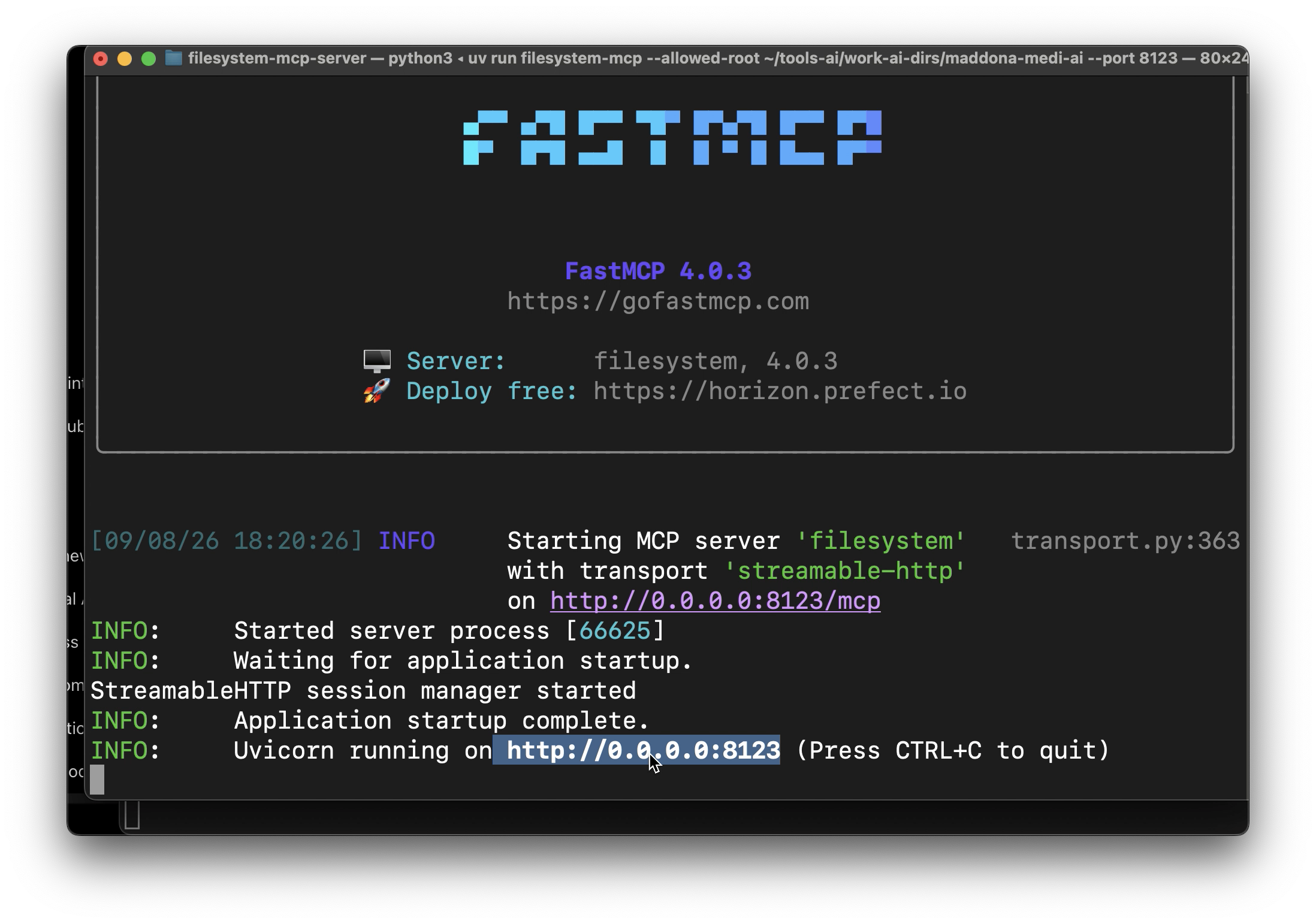
Then change into the file filesystem-mcp-server, ( I put in same directory i want ai to only have access to ) for me it's this and run
cd ~/tool-ai/filesystem-mcp-server
FIRST TIME
run
uv sync removed.
but you only need uv sync again if the dependencies changed or the virtual environment was removed.
uv run filesystem-mcp \
  --allowed-root "/Users/tt/tools-ai/work-ai-dirs" \
  --port 8123
If this NOT working look at trouble shoot mcp page in sidebar for export pages
Use that url,
Connect the server in true forge