01- troubeshoot trueforge
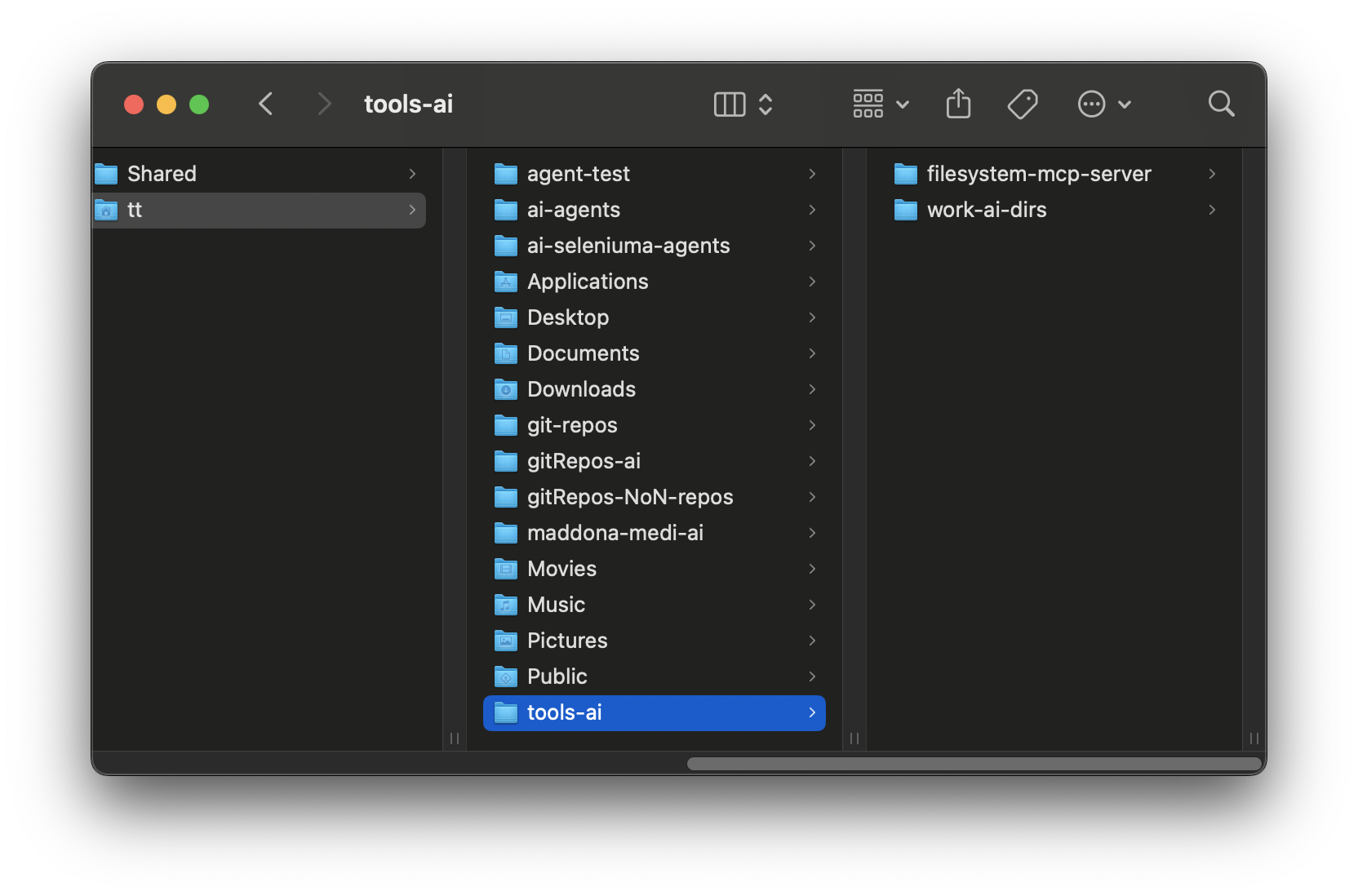
This was a pain in the ass, had to install, made a directory called tools-ai
cloned a repo for mcp made by Natham Brake from mozilla repo
https://github.com/njbrake ,
this is the repo link,
i cloned it in same directory as tools-ai where i'm going to contain it
cd ~/tools-ai
or wherever then
clone
git clone https://github.com/njbrake/filesystem-mcp-server.git
02- uv sync
Next step is to uv sync but that doesn't work on this intel mac so i believe i executed these exports
export OPENSSL_DIR="$(brew --prefix openssl@3)"
export PKG_CONFIG_PATH="$(brew --prefix openssl@3)/lib/pkgconfig"
export LDFLAGS="-L$(brew --prefix openssl@3)/lib"
export CPPFLAGS="-I$(brew --prefix openssl@3)/include"
Now change into when you run ,
cd ~/tools-ai/filesystem-mcp-server
run
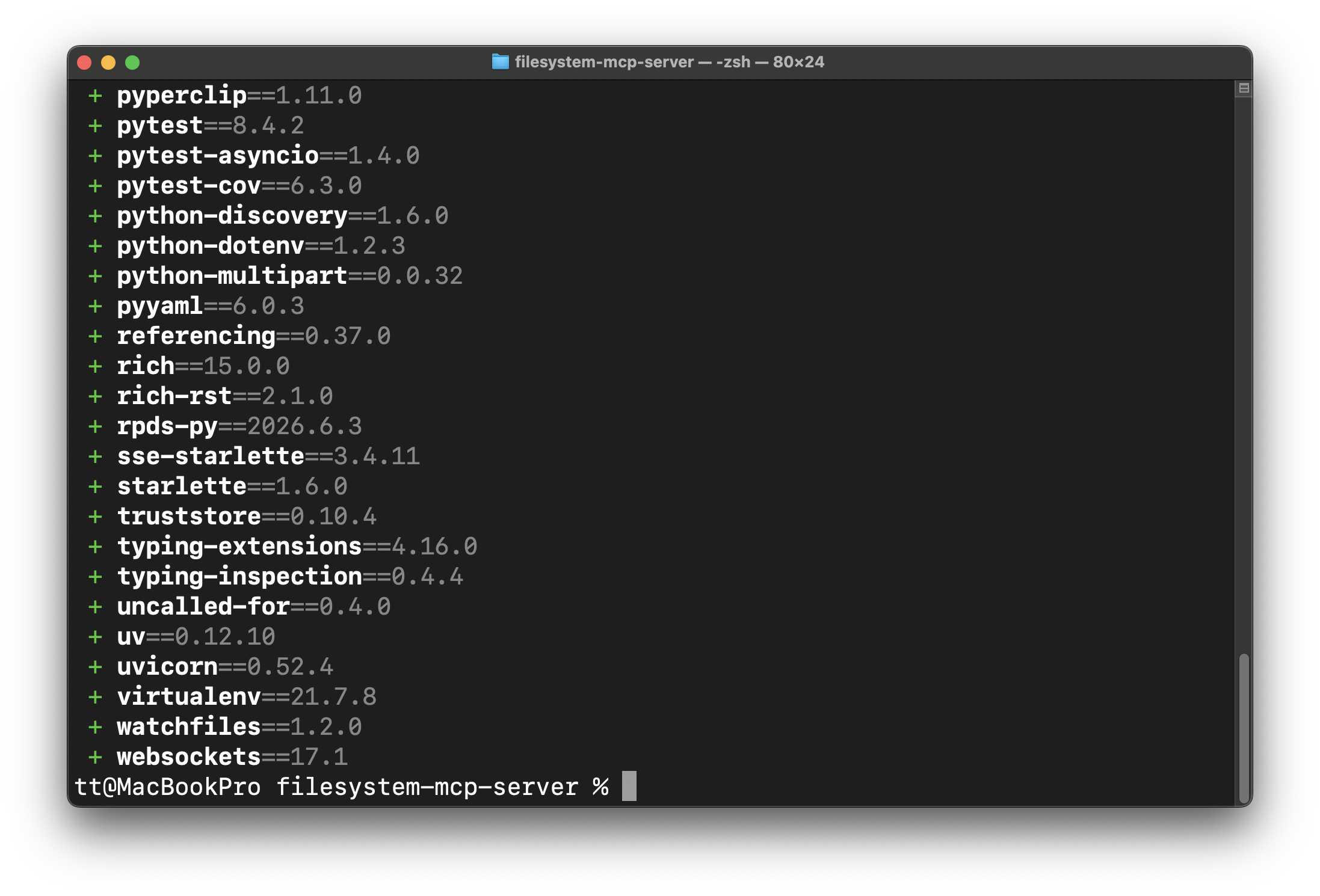
uv sync
and you shoudl see this
03- Start MCP
Be in filesystem-mcp-server dir and run command, and place name and path of directory you want ai to have access to
cd ~/tools-ai/filesystem-mcp-server
                    uv run filesystem-mcp \
  --allowed-root "/Users/tt/tools-ai/work-ai-dirs " \
  --port 8123
The server for this is now here
http://127.0.0.1:8123/mcp
Add this to "Connectors" in true forge for agent
04- Go To true forge
paste in the url from previous step of terminal running
http://127.0.0.1:8123/mcp
Give it name, description connect.
05- Ask model if it can see directory
paste in the url from previous step of terminal running
http://127.0.0.1:8123/mcp
Give it name, description connect.